
Visual recognition in patient retention messages
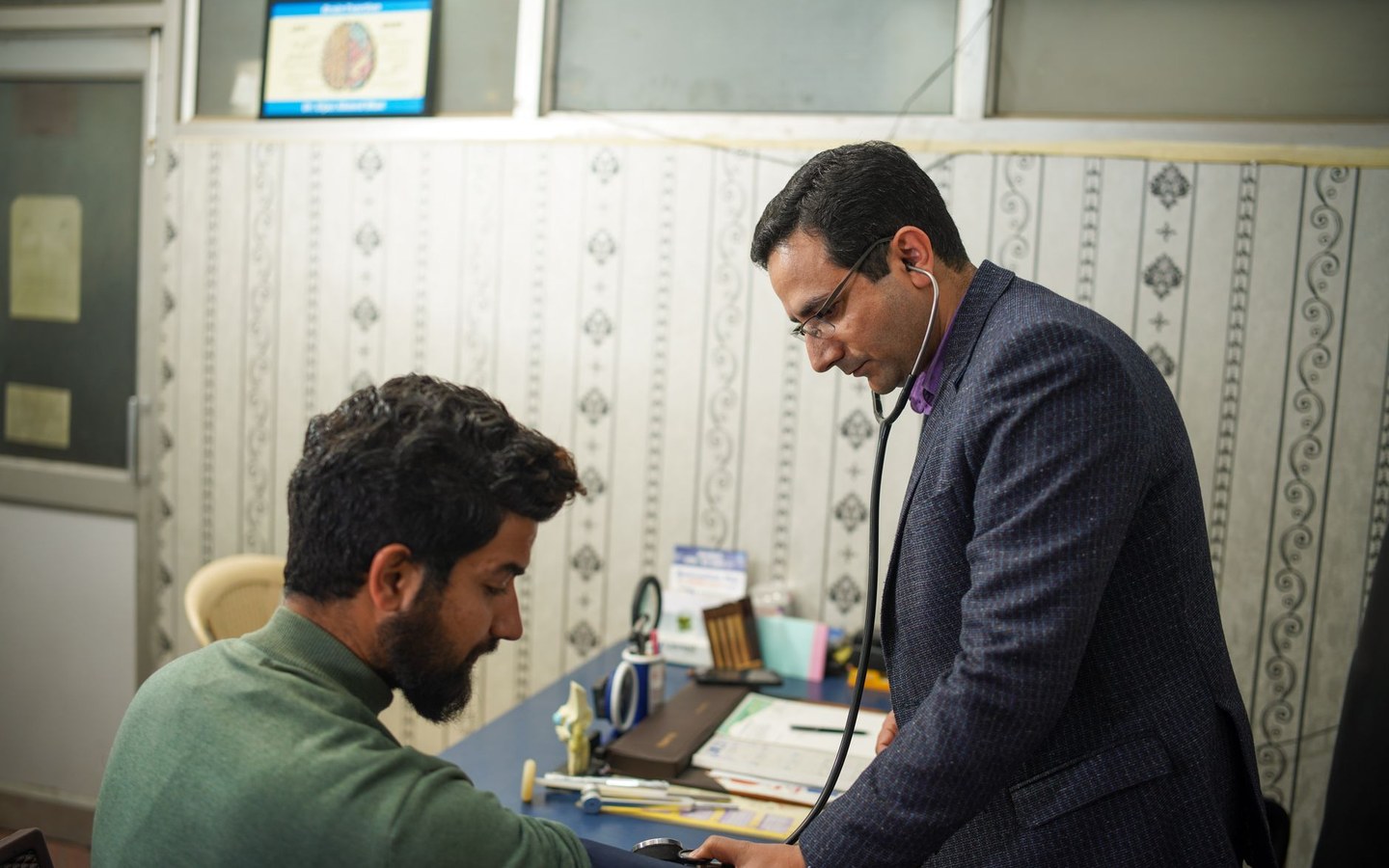
A smear test recall email with a random stock image of a stethoscope could belong to any clinic. The same message with a branded photo of your nursing team at the familiar reception desk reads as personal. Patients engage with recognition, not abstract medical clipart.
Loyalty in healthcare is sensitive language, but the practical task is familiar: repeat touchpoints that keep your practice front of mind for appropriate care. Every touchpoint that includes photography should look like it came from the same organisation. Stampi batch-brands your real facility and team images for those templates.
Branded assets across email, screens, and print
A dental practice sends quarterly hygiene reminder emails. Each template needs a 600-pixel-wide header image that loads on older phones. Marketing has six acceptable photos from the past year. They need the logo, mild compression, and consistent width before dropping into the email builder.
A veterinary group runs a wellness plan promotion on in-clinic TVs. Slides reuse website photography but the resolution and file weight limits differ. Export a screen-friendly batch from the same source folder rather than rebuilding slides from scratch in presentation software.
Resize for the channel, not one-size-fits-all
Email clients downscale large images unpredictably. Social posts crop centres differently on feeds and stories. Print leaflets need higher resolution than web headers. Stampi exports multiple profiles from one upload: web JPEG, Instagram square, Facebook link preview.
Start from the largest quality source you have, usually a photographer export or a recent phone shot in good light. Downscale and compress for each channel rather than upscaling small files, which never recovers detail.
Seasonal refreshes without a design retainer
Wellness programmes often refresh creative each season: flu autumn, sun safety summer, mental health awareness spring. Hiring a designer for every resize is expensive for a twelve-image refresh. Stampi gives practice marketing a free batch step between photography and deployment.
Keep a folder structure on the shared drive: source photos, logo PNG, exported ZIPs dated by campaign. When next season arrives, swap in new shots and rerun the same Stampi settings. Consistency compounds because the logo position never drifts.
Clear boundaries on what Stampi provides
Stampi is not a healthcare loyalty platform. It does not track points, manage memberships, or send patient emails. It brands and sizes images you upload. If your retention programme needs photography that looks professional across every channel, that is the fit.
Combine branded images with the copy and scheduling tools you already use. Stampi shortens the visual production step so campaigns launch with photography that matches your practice rather than a stock photo library used by competitors down the road.
In-clinic screens and printed recall collateral
Many practices loop slideshows in reception showing services, team introductions, and seasonal reminders. Those frames reuse website imagery but need lighter files than print. A batch export tuned for screen width keeps animations smooth on older hardware.
Printed recall cards and leaflets often pull the same photography as email headers. Start from the highest resolution source in your folder, then produce a web-compressed sibling for digital use. Stampi handles the digital branch quickly so designers can place the print branch in InDesign without waiting overnight.
Patients standing in a queue read screens while glancing at posters. When both use the same branded clinic photography, the practice feels organised rather than like three departments that never speak.
Screen vendors sometimes specify maximum dimensions that differ from your website. Note those numbers in the campaign README and export a dedicated batch rather than letting the screen software scale oversized uploads.
Proofing branded folders before they reach patients
Run a draft batch with a prominent watermark for internal review if clinical leads want to sign off facility photography before public use. After approval, rerun production settings without the draft mark. Both passes take minutes compared with manual per-file edits.
Check one exported JPEG on a phone screen before sending the ZIP to your email agency. Logo legibility on a bright treatment room wall is easier to judge on mobile than on a large office monitor. The same check catches over-compression on pale NHS corridor paint before patients see it.
Frequently asked questions
Can Stampi personalise images per patient for loyalty emails?
No. Stampi applies the same logo and export settings across a batch. Personalisation like patient names belongs in your email platform merge fields. Use Stampi to prepare the shared header and inline images every recipient sees, then let the ESP handle per-patient text.
What image width works best for patient email headers?
Many practice email builders behave well with headers around 600 to 800 pixels wide and modest file size. Export web-optimised JPEG from Stampi, then check one message on iPhone and Outlook before sending the full list. Compression preview helps avoid banding on pale clinic walls.
Should we use photographs with patients in loyalty materials?
That is a governance question for your practice, not a Stampi setting. Many campaigns use facility and team photography without identifiable patients. If you have consent for testimonial portraits, brand them like any other batch. Stampi does not blur faces or manage consent records.
We run a wellness plan with an app. Can Stampi supply app assets?
Stampi exports common web and social sizes. Mobile app asset specs vary by vendor. Export high-quality JPEG or PNG from Stampi at the closest dimensions your app guidelines allow, then verify with your developer. Stampi does not publish directly to app stores or content APIs. Keep a shared doc of required widths so each quarterly refresh reuses the same export choices.
Who usually runs Stampi in a practice?
Practice managers, reception leads, and marketing coordinators most often handle the batch. Clinical staff supply photography; non-clinical staff brand it. No design background is required beyond picking logo corner and checking the preview slider on one representative clinic photo. Many practices document the steps on a shared drive so locum admin cover can repeat the same export.
Is Stampi free to use?
Yes. Stampi is free with no subscription, no credit card, and no trial that expires. Open the app, upload your files, and download the results. We built it that way on purpose because photo prep is annoying enough without a paywall in the middle.
Do I need to create an account?
No. Stampi runs in your browser with no sign-up. Images are processed locally on your device. When you close the tab or download your ZIP, the session is gone. We do not store your files on a server.
How do I get started?
Go to stampi.cc, upload your photos (or click Try with samples to load demo files), add your logo, pick your export formats, and hit Prepare Media. A ZIP downloads in seconds. That is the whole workflow.