
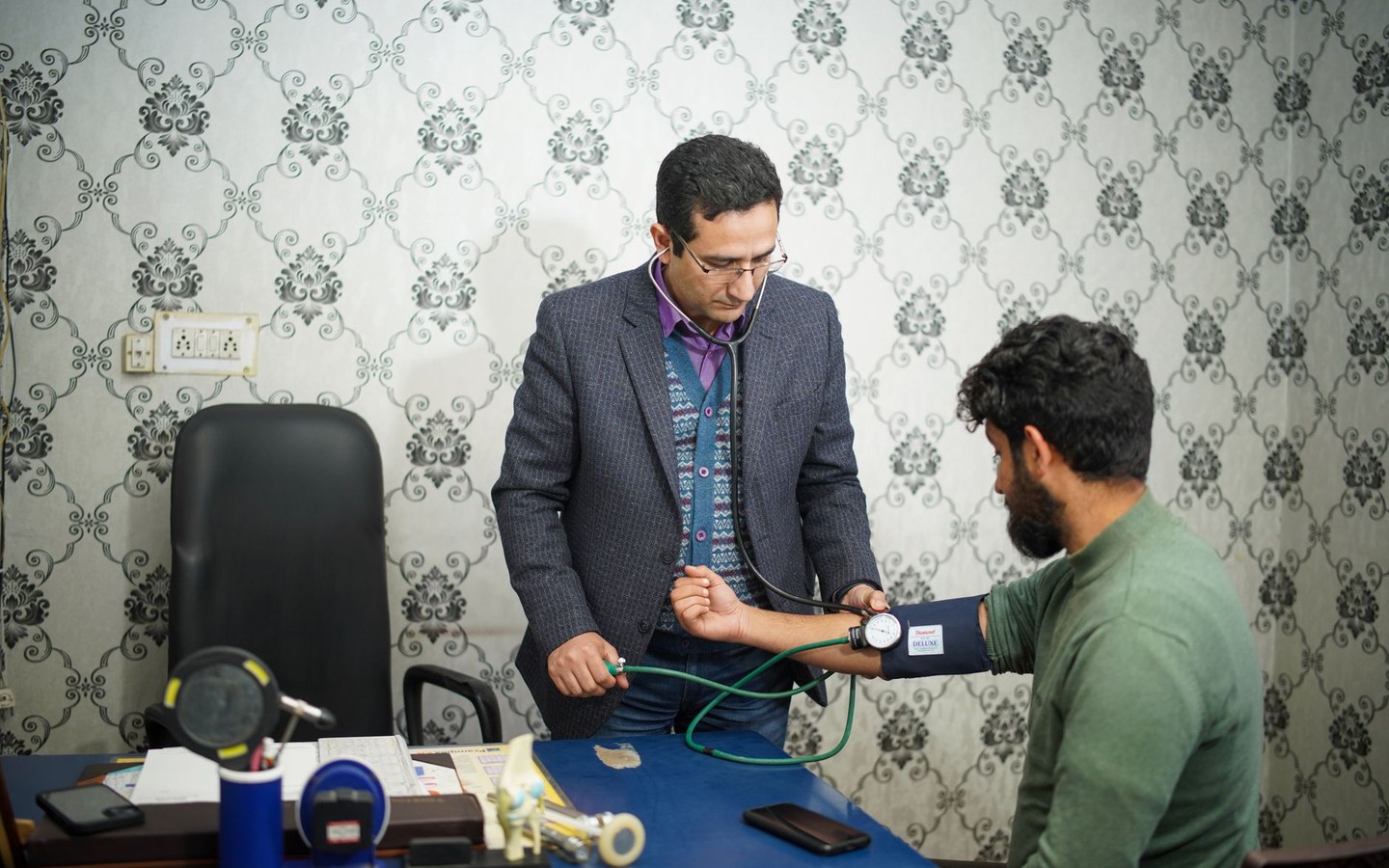
Why mixed clinic photography undermines trust
Walk into most practice websites and you will find a familiar patchwork. A stock photo of a smiling handshake beside a genuine reception desk shot from 2019. Team portraits cropped differently, some with harsh flash, others soft and underexposed. A new physiotherapy room photographed on a phone next to a polished consultant portrait from a studio day three years ago.
Patients notice inconsistency even when they cannot name it. Mixed visual quality suggests the practice has not paid attention to detail, which is an uncomfortable signal in healthcare. Applying the same logo position, export size, and light compression across facility photos, staff headshots, and service imagery gives every page a deliberate, cared-for appearance.
Stampi does not replace a photographer or fix bad lighting. It applies your clinic logo at a fixed corner, resizes batches to web-friendly dimensions, and outputs compressed JPEGs that load fast on 4G. That is honest scope: batch branding and sizing, not clinical advice or engagement analytics.
Concrete scenes from a typical practice marketing folder
A dental practice refreshes its website each spring. The folder contains fourteen shots: reception with the new signage, two treatment rooms, a sterilisation area the principal wants to highlight, and eight staff portraits taken on different days. The practice manager needs every file at 1600px longest edge with the clinic logo bottom-right at ten percent width before the web agency uploads on Friday.
A multi-site physiotherapy group runs local Google Business posts every month. Each branch sends phone photos of exercise equipment and treatment bays. Central marketing wants the group logo on every image and square crops for Instagram without opening forty files in separate apps. Stampi processes the whole folder in one pass and exports social sizes alongside web JPEGs.
Batch branding for lean practice marketing teams
Practice managers and reception leads often inherit image prep because there is no dedicated design desk. Opening each photo in an editor to place a logo, then saving, then resizing, then compressing, turns a twenty-image update into an afternoon. Stampi is built for that folder workflow: upload once, set logo position and opacity with a live preview, choose export profiles, download a ZIP.
Processing happens in the browser on your device. There is no account, no subscription, and no queue on a remote server. When you close the tab after downloading, the session is gone. For clinics cautious about patient adjacent imagery, that local processing matters even when photos contain no clinical identifiers.
- Web optimised JPEG at up to 2048px for practice websites
- Instagram square at 1080px for social feeds
- Facebook link preview at 1200 by 630 for shared pages
- Original plus branded to keep unmarked copies alongside logo versions
Channels where consistent imagery actually matters
Your website About page, Google Business gallery, Facebook cover refresh, and NHS-affiliated microsites each want slightly different dimensions. Exporting three sizes from the same source folder beats re-editing the same reception photo three times in Canva. The logo stays in the same corner. The compression stays sensible. The colours stay in sRGB.
Email newsletters and patient information screens in the waiting room often reuse website photography. When those images already carry your logo at a consistent size, the waiting room display matches what patients saw online. That visual continuity supports healthcare customer engagement without claiming Stampi sends emails or tracks patient behaviour.
What Stampi will and will not do for clinics
Stampi will batch-apply your logo, resize, compress, convert HEIC phone photos to JPG, and watermark proof sets before you share them with a design agency. It will not schedule appointments, manage recall lists, or run loyalty points. If your search landed on healthcare customer engagement, the honest fit is visual content preparation for the channels where patients already find you.
Start with the photos you already have. Upload the folder, try the sample files if you want to test logo placement first, then process the real batch. Most practice managers report the whole job taking minutes rather than the blocked afternoon they expected from desktop editors.
If you work with a web agency on a redesign, export both branded and unbranded sets so designers can place images inside mockups before final approval. The agency still owns layout and copy. Stampi simply stops logo sizing from becoming a back-and-forth email thread.
Frequently asked questions
Can Stampi edit patient photos for clinical use?
Stampi resizes, compresses, logos, and watermarks images. It does not annotate clinical findings, blur identifiable patient features for medico-legal review, or replace your imaging systems. Use it for marketing and facility photography: reception, equipment, team portraits, and public-facing treatment rooms shot without patients in frame. If a image needs clinical redaction, handle that in appropriate software before branding for public channels.
We have HEIC files from iPhones on site. Will portals accept them?
Most website CMS platforms and Google Business uploads expect JPEG. iPhones often save as HEIC. Stampi converts a batch of HEIC files to JPG in the same pass as resize and logo placement. A nurse who photographs a refurbished consulting room at lunch can hand marketing a folder that is ready to upload without a separate conversion step.
How should we position the clinic logo on healthcare photos?
Bottom-right at eight to twelve percent of image width is common for clinic branding. Keep opacity high enough to read on pale walls but low enough not to obscure equipment detail patients care about. Stampi shows a before and after slider on a sample image so you can check readability on both a bright reception shot and a darker treatment room before processing the full batch.
Is this a replacement for a healthcare marketing agency?
No. Agencies shape strategy, copy, and campaign creative. Stampi is the batch step after photography: same logo, same dimensions, sensible compression. Many practices use an agency for the site rebuild and Stampi weekly for the steady stream of phone photos and new staff portraits that agencies never see until someone asks why the Team page looks dated.
Is Stampi free to use?
Yes. Stampi is free with no subscription, no credit card, and no trial that expires. Open the app, upload your files, and download the results. We built it that way on purpose because photo prep is annoying enough without a paywall in the middle.
Do I need to create an account?
No. Stampi runs in your browser with no sign-up. Images are processed locally on your device. When you close the tab or download your ZIP, the session is gone. We do not store your files on a server.
How do I get started?
Go to stampi.cc, upload your photos (or click Try with samples to load demo files), add your logo, pick your export formats, and hit Prepare Media. A ZIP downloads in seconds. That is the whole workflow.