
Why loyalty emails fail on visuals before copy
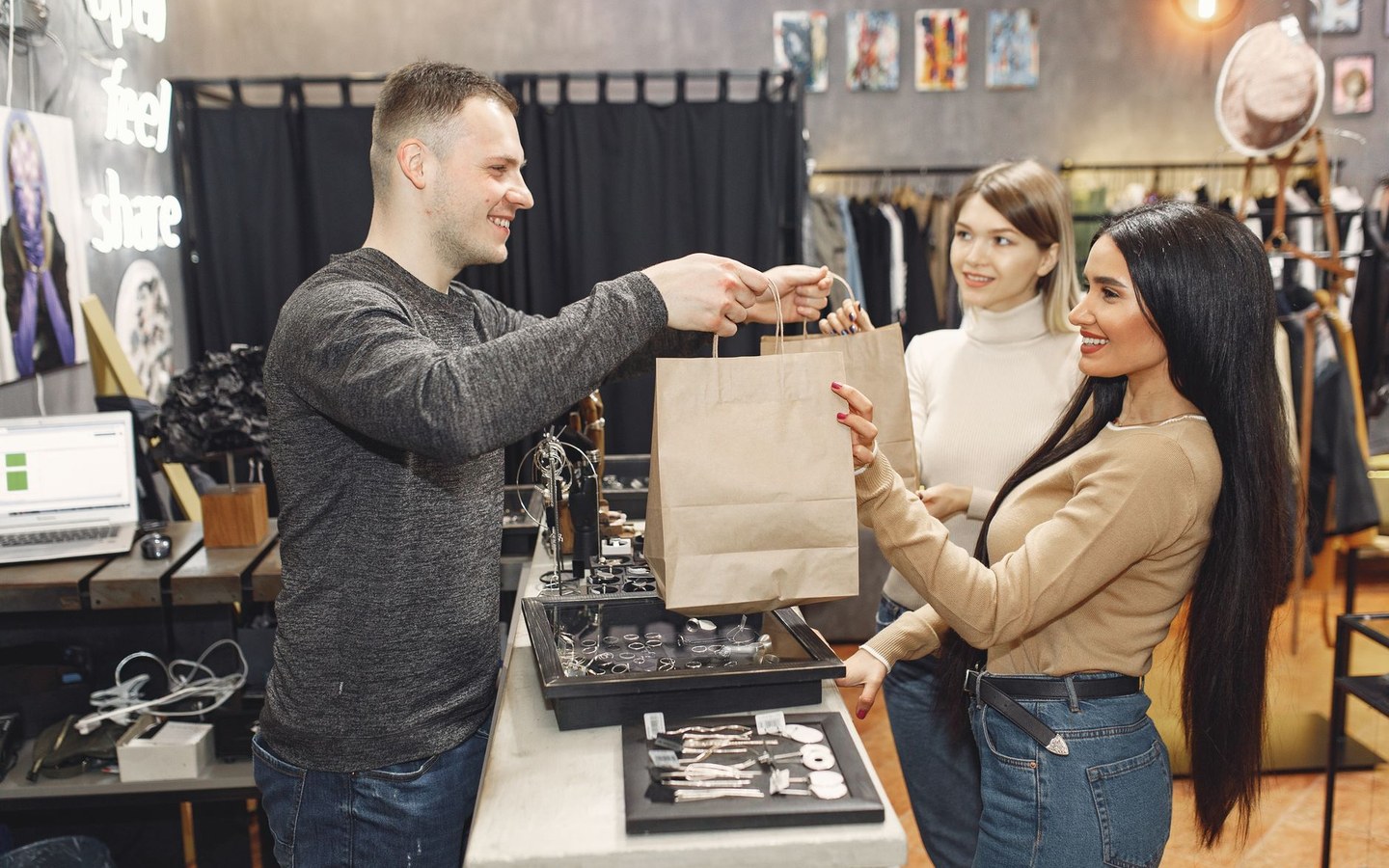
Members skim subject lines for points and discounts. The hero image still sets tone. Generic shopping bags from a stock library could be any retailer. Your branded flat lay of this season's key line signals the offer is real.
Retail loyalty programme engagement depends on recognition across touchpoints: app push image, email header, in-store screen, printed mailer. Stampi keeps logo placement and export sizes aligned so creative does not fragment each quarter.
Batch seasonal loyalty creative
A kitchenware shop refreshes member emails four times a year. Each refresh needs eight product images with logo, compressed for mobile, plus squares for Instagram stories aimed at members. Shooting happens Sunday evening. Monday morning marketing runs Stampi before the loyalty platform's template deadline.
A bookshop runs a stamp card programme and promotes member events with in-store photos. The same images appear on Eventbrite, the newsletter, and a TV behind the till. One batch export prevents three different crops with three different logo positions.
Product shots that reinforce membership
Loyalty creative works best with photography you own: new arrivals on the table, staff recommendations, the community board by the door. Stampi logos and resizes those assets rather than forcing you back to stock sites that competitors also licence.
Watermark optional: some retailers use a light logo on member-only previews before wider campaign launch. Others keep logos subtle on product detail. Preview opacity on knit texture and glossy packaging before batching.
Channels loyalty marketers actually use
Email headers around six hundred to eight hundred pixels wide. App banners with vendor-specific heights. Instagram member stories at nine sixteen. In-store screens with file size caps. Export each from Stampi rather than letting each platform squash uploads differently.
Combine with your loyalty platform's personalisation tokens. Stampi handles shared imagery; the platform inserts name and points. Clear separation keeps responsibilities obvious for small teams.
What Stampi does not manage
Stampi does not issue points, scan cards, or integrate with tills. It does not replace LoyaltyLion, Smile.io, or your spreadsheet system. It shortens the visual step so retention campaigns look like your shop instead of a template factory.
Free access means seasonal refreshes do not need a line item in the marketing budget. Re-run batches whenever product lines change without waiting for agency turnaround.
Member-only previews and early access sales
Retailers sometimes email loyalty members a preview grid before the public sale. Those images should match the hero photography that goes live at midnight. Stampi lets you brand the preview batch on Thursday so Friday morning is upload only, not another editing sprint.
App notifications with thumbnails compete for attention on a locked screen. A clear product crop with a subtle logo reads as retail mail, not system spam. Export square assets alongside email widths in the same session so creative matches across channels.
Birthday voucher emails often reuse evergreen store interior shots. Rebrand last year's acceptable photography with this year's logo refresh instead of reshooting the till area for a template that never changes.
In-store signage and receipt marketing
Loyalty enrolment posters at the till often reuse email photography at higher resolution. Export a less compressed batch for print while keeping lean files for digital loyalty journeys from the same sources.
Receipt QR codes that promote the loyalty app benefit from a consistent product hero image customers saw in the member newsletter that week. Visual repetition is cheap retention when the batch step is free.
Seasonal gift-with-purchase displays photograph quickly after close. Brand the set before Saturday trade so Monday's member push shows the same display shoppers will see in person. Members notice when email imagery matches the shop they walked past at the weekend.
Charity partner weeks and local maker collaborations often need loyalty creative at short notice. Batch the partner product shots with your shop logo so member emails and window vinyl share one visual story.
Click-and-collect confirmation emails can reuse the same product crop members saw when they browsed points rewards. One branded source folder feeds both journeys without a second photoshoot.
Staff incentive boards in the stockroom sometimes reuse loyalty creative. Export an uncluttered product shot they recognise from the member email so internal comms match customer-facing visuals.
End-of-year member roundups often collage bestsellers. Prepare each product tile in Stampi first so the collage builder receives consistent sizes and logos.
Frequently asked questions
Can we automate Stampi when points thresholds trigger emails?
No API or trigger integration. Prepare image batches ahead of seasonal campaigns or monthly member themes, store ZIPs on the drive, and attach or upload when the loyalty platform schedules sends. Automation lives in your ESP, not in Stampi.
How do we keep imagery fresh without weekly shoots?
Rotate through a library of twelve to twenty recent shop photos re-branded for each send. Stampi makes re-export fast when you add new shots after deliveries. Freshness is about using recent product, not re-editing manually every time.
Should member emails use logos on every product?
Match your public site rules. If the main site logos lifestyle shots only, mirror that in loyalty mail so members see a consistent brand. Stampi supports running separate batches for logo-heavy and clean product exports.
We have both high street and online loyalty tiers. Different sizes?
Export separate batches per channel if specs differ widely. Document widths for app, email, and screens in your loyalty playbook. Stampi reruns in minutes when you add a new tier-specific template. Label each ZIP with tier and channel so the right file reaches the right template without a mix-up on send day.
How often should loyalty imagery refresh?
Refresh when product lines or store fit-out change, not on an arbitrary calendar. Quarterly is a sensible maximum for fashion; food retailers may update monthly. Stampi makes small refreshes cheap enough that you can align imagery with stock rather than recycling stale hero shots members have seen for a year. After a refit, photograph the new fixtures once and rebrand the whole loyalty folder the same afternoon.
Is Stampi free to use?
Yes. Stampi is free with no subscription, no credit card, and no trial that expires. Open the app, upload your files, and download the results. We built it that way on purpose because photo prep is annoying enough without a paywall in the middle.
Do I need to create an account?
No. Stampi runs in your browser with no sign-up. Images are processed locally on your device. When you close the tab or download your ZIP, the session is gone. We do not store your files on a server.
How do I get started?
Go to stampi.cc, upload your photos (or click Try with samples to load demo files), add your logo, pick your export formats, and hit Prepare Media. A ZIP downloads in seconds. That is the whole workflow.